
In this article
If your customers are in India, they are most likely on Android. That makes choosing the right Android app development company in Bangalore one of the most important technology decisions a growing business can make. The right partner will help you pick the right technology, design for the phones your customers actually use, publish smoothly on Google Play and keep the app healthy long after launch.
This guide explains what good Android development looks like, what to check before you hire, and the exact questions to ask so you can compare companies in Bengaluru with confidence.
Why Android first makes sense for many Indian businesses
Android phones dominate the Indian market across price ranges — from budget devices bought in a Jayanagar mobile shop to flagship phones. For a local service business, a D2C brand, a school or a clinic, an Android app reaches the widest audience for your first launch.
Android also gives you useful flexibility:
- Faster updates — Google Play reviews are usually quicker than App Store reviews, so fixes reach users sooner.
- Testing tracks — internal, closed and open testing let you trial the app with staff or selected customers before a public release.
- Deep integrations — UPI intents, SMS-based OTP auto-read, background location and home-screen widgets are all well supported.
That said, if your buyers skew premium or you serve international clients, you may need iOS from day one. Our iOS app development guide covers that side.
What a good Android app development company in Bangalore should deliver
A finished Android app is much more than screens. When you compare proposals, check that each of these is covered.
1. Discovery and a written scope
Before any design, the company should understand your users, your must-have features and how the app fits your business. The output should be a written scope listing screens, user roles, integrations and what is out of scope.
2. UI/UX designed for Android
Android users expect familiar patterns — the back gesture, bottom navigation, Material Design components and clear tap targets. Good UI/UX design also accounts for smaller screens, larger font settings and regional language text that may run longer than English.
3. The right technology choice
| Approach | Best for | Things to consider |
|---|---|---|
| Native (Kotlin) | Heavy device features, high performance, Android-only roadmap | iOS would need a separate build later |
| Flutter | Android now, iOS soon, one shared codebase | Very close to native for most business apps |
| PWA | Simple content or ordering experiences | Limited device access, no full Play Store experience |
A good partner explains these trade-offs honestly rather than pushing the one technology they happen to prefer.
4. Backend and admin panel
Most business apps need a server for logins, data and notifications, plus an admin panel where your team manages users, orders, content and reports. Make sure this is in the quote — it is often a large part of the work.
5. India-ready integrations
Look for experience with Razorpay or other payment gateways with UPI, OTP login via SMS, Google Maps, WhatsApp notifications and Firebase push notifications. GST-compliant invoices are important if you sell through the app.
6. Testing on real devices
Ask how they test. A serious team tests across screen sizes, Android versions and network conditions — including slow 4G — not just on one developer's phone.
7. Play Store publishing and compliance
Publishing involves the store listing, screenshots, content rating, the data safety section and a privacy policy. Under India's Digital Personal Data Protection (DPDP) Act, you also need clear consent for collecting personal data. A good partner handles all of this with you.
Questions to ask before you hire
Use this list on your first call with any Android developer in Bengaluru:
- Can you show me Android apps you have built that are live on Google Play?
- Do you recommend Kotlin, Flutter or something else for my app — and why?
- Is the backend, admin panel and Play Store publishing included in your quote?
- Which devices and Android versions will you test on?
- Will the Play developer account and source code be in my name?
- How will I see progress — weekly demos, test builds?
- How do you handle data privacy and DPDP Act consent?
- What does support look like after launch?
If the answers are vague or the company resists putting things in writing, keep looking. Our broader guide on choosing the best app development company in Bangalore has more red flags to watch for.
What affects the effort (and the price)
We don't quote numbers without understanding your app, because any figure would be a guess. These are the factors that move the effort up or down:
- Number of screens and user roles — a single customer app versus customer, staff and admin apps.
- Real-time features — live tracking, chat or instant notifications.
- Integrations — payments, maps, SMS, ERP or CRM connections.
- Offline support — syncing data when the network returns adds complexity.
- Design depth — standard components versus custom animations and illustrations.
- Admin and reporting — dashboards, exports and permissions.
For a detailed breakdown, read our guide to app development cost in Bangalore.
Common mistakes to avoid
- Building every feature in version one. Launch a focused MVP, then add features based on real usage.
- Ignoring budget phones. A heavy app that drains battery and data will get uninstalled.
- Developer accounts in the agency's name. This can lock you in if the relationship ends.
- No plan for updates. Google regularly raises the target API level required on Play, and apps that fall behind can be restricted.
- Skipping analytics. Without crash reporting and usage analytics, you are guessing what to improve.
How JST Click builds Android apps
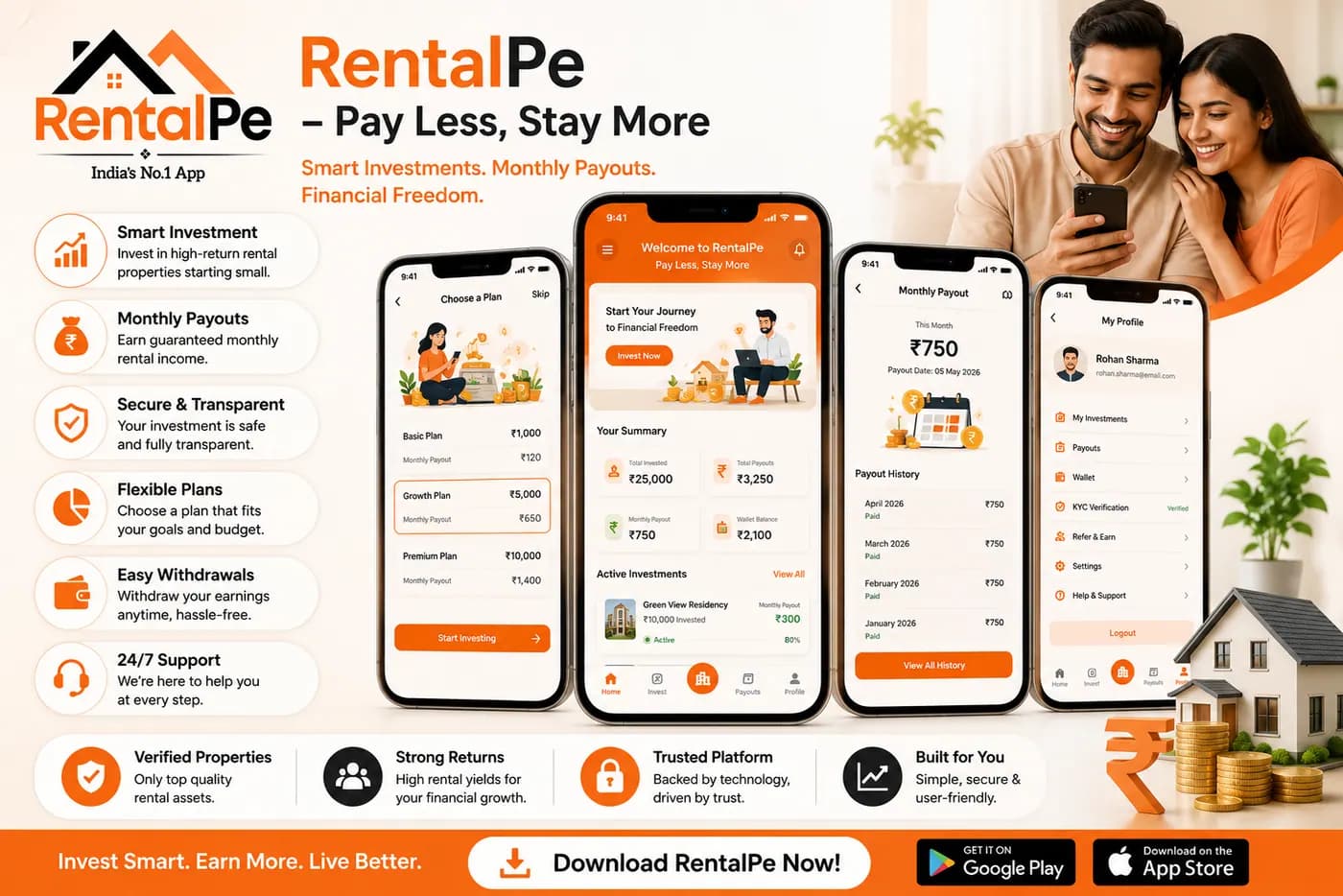
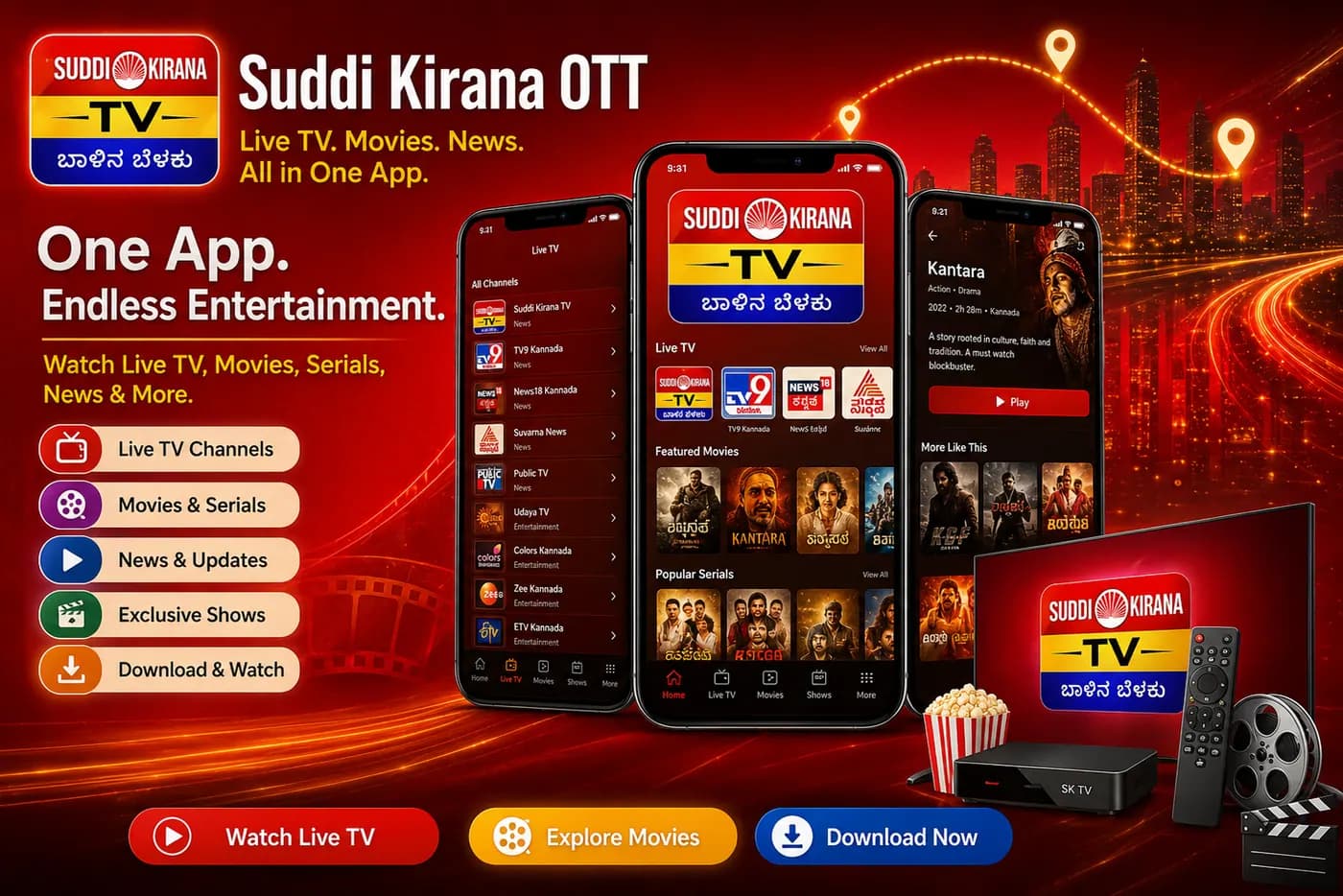
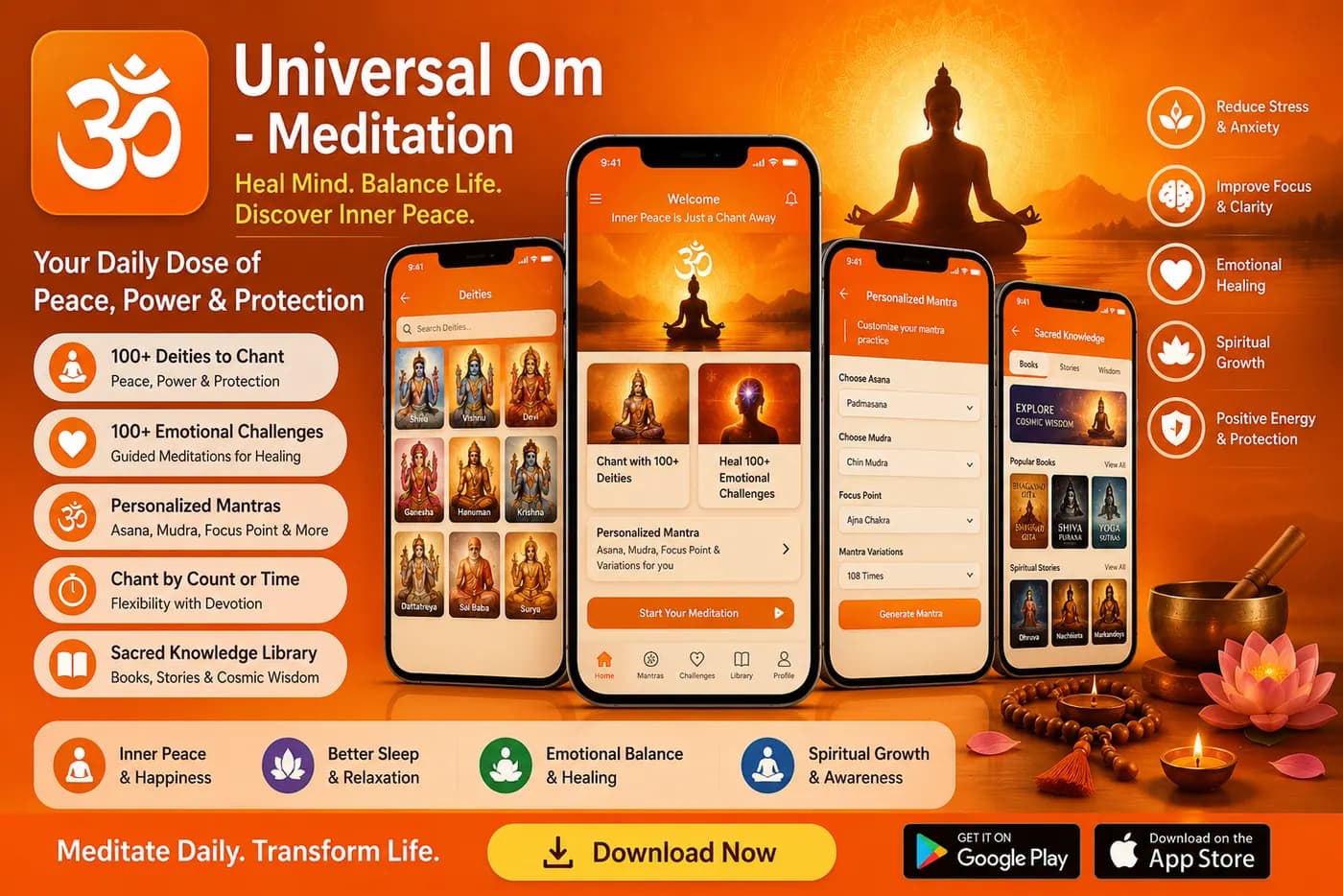
JST Click is an app, website and software development company based in J. P. Nagar 2nd Phase, Bengaluru, founded in 2022. We have published apps on Google Play and the App Store for businesses in areas such as transport, real estate, education and e-commerce.
Our process is straightforward:
- Free consultation — we learn about your business, users and goals.
- Scope and recommendation — native Kotlin or Flutter, depending on your roadmap.
- Fixed quote in writing — clear features, timeline and no hidden costs.
- Design approval — you sign off on screens before development starts.
- Development with weekly updates — plus test builds you can install on your own phone.
- Play Store launch — listing, compliance forms and submission under your account.
- Support and growth — maintenance, new features and marketing when you need them.
Every app comes with an easy admin panel so your team can manage content without coding. Learn more about our app development services in Bangalore or see examples on our work page.
Conclusion
The right Android app development company in Bangalore will understand your users, recommend the right technology honestly, design for real Indian devices and networks, and stay with you after launch. Use the checklist and questions above to compare two or three companies, insist on a written scope, and make sure you own your account and code.
Have an Android app idea? Book a free consultation with JST Click for a clear scope and a fixed quote — or call or WhatsApp +91 70194 01035.
Frequently asked questions
Should I build only for Android first?
For many Indian businesses, yes. Android covers the majority of smartphone users in India, so launching on Android first lets you test your idea with real customers before investing in iOS. If your audience is premium or international, discuss launching both together.
Kotlin or Flutter — which is better for an Android app?
Kotlin is Google's preferred language for native Android and suits apps that need deep device features. Flutter lets one codebase run on Android and iOS, which is efficient if you plan to add iOS later. A good company will recommend based on your features and roadmap.
Who publishes the app on the Google Play Store?
Your development partner should handle the listing, screenshots, privacy policy link, data safety form and submission — but under a Google Play developer account registered in your business name, so you always own the app.
Will my app work on low-cost Android phones?
It should, if it is tested properly. Ask the company to test on a range of screen sizes and older Android versions, and to keep the app size and data usage lean for users on budget phones and patchy networks.
What happens after the app is launched?
Expect bug fixes, updates for new Android versions, Play Store policy changes and new features over time. Agree on a support or maintenance plan before launch so updates do not get delayed.
- Android
- App Development
- Bangalore
- Hiring Guide

Written by
JST Click Team
We design and build websites, mobile apps and software for businesses from our office in J. P. Nagar, Bengaluru, and write these guides from what we see on real projects.